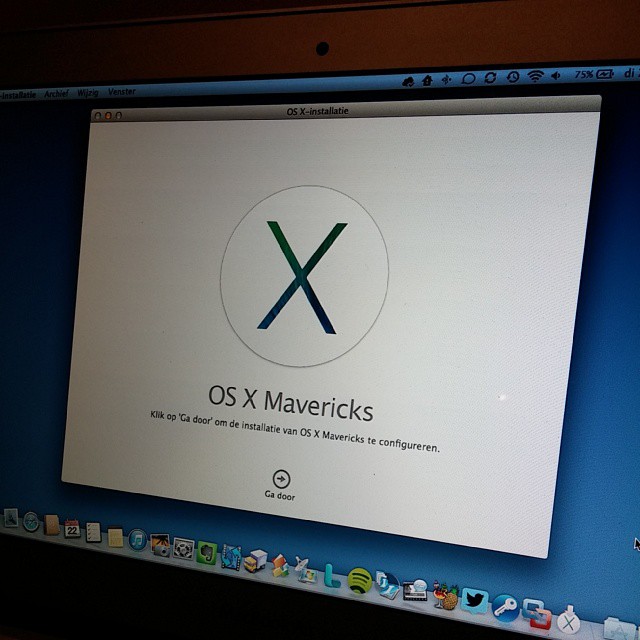
Let’s go!
The future of Training is Learning

 Last week, Microsoft released the OneNote app for iPad in the app store. It is the first version of the app, and still lacks some functionality I would like to see added, but it is a great first step. These are the things you should know:
There is also an iPhone version of the application. And if you are thinking about converting your entire Evernote archive to OneNote, my colleague Frank pointed us to a conversion tool. Although you might want to wait with that until the 2.0 version of the OneNote app is released…


 Sometimes you see a great function in a software that makes you think: “why didn’t I think of this”? Especially when it is very simple, but so effective.
I just noticed one in Leopard. When you need to rename a file, you often struggle to leave the file extension untouched, and just change the name. Not in Leopard: when you click on a filename to rename it, it does NOT select the extension, just the filename.
Why didn’t I think of this?
Watch it live on http://screencast.com/t/pLBDkLeMd
I finally got a new Belgian identity card. I immediately tried to get it to work on my Mac. This is what I needed to do:
– download the drivers for my smartcard reader (ACS – http://www.acs.com.hk/en/products/4/acr38-smart-card-reader)
– download the middleware for MacOs from the Belgian E-ID site. You don’t need it if you just want to use the e-id with Safari and Keychain, but it has a nice app that allows you to read the info on your card, and even change your pin.
I am able to view the data on my E-ID, but unfortunately, logging in to websites with the card does not work; on Taxonweb I get the message that Safari is not supported, logging in to Certipost just does not work. There is still some work to do…
It works with Windows Vista though … :–(