
I installed Windows 11 on a virtual machine running on Synology Virtual Machine manager. I followed these instructions, everything went smoothly. During the installation, I connected with my Microsoft account, I authenticated via Microsoft Authenticator during the setup and created a PIN. All good.
I then activated the option to connect via Remote Desktop and tried to connect remotely to the workstation.
The issue: incorrect credentials
When I connected via Remote Desktop and tried to authenticate with my Microsoft account and password, the connection was refused and I got the message that my credentials were incorrect.
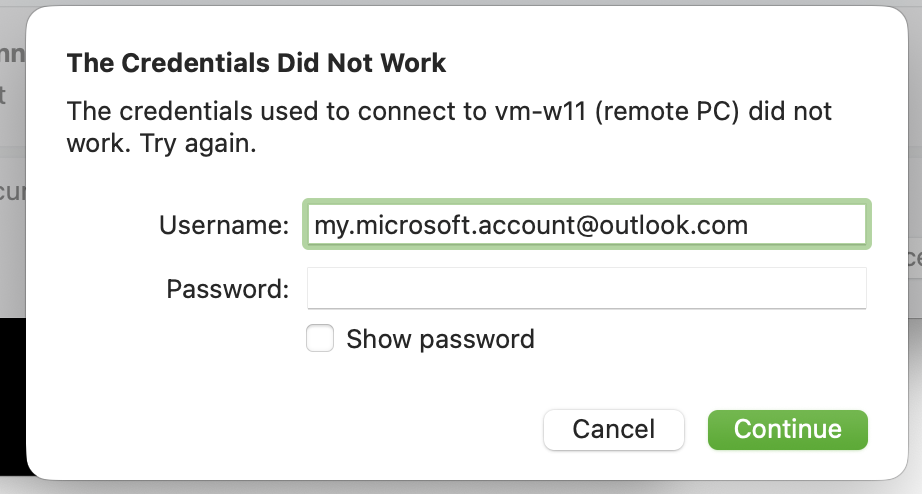
Of course I quadruple-checked my password, but no luck.
The solution
It seems that you need to login at least once with your Microsoft account password before you can connect remotely. So I logged on on the console, selected to connect via password instead of Pin or Authenticator, and voilà: I could connect via Remote Desktop afterwards.