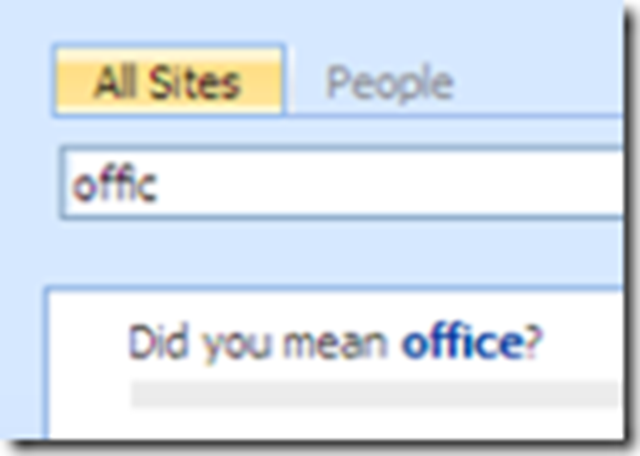
 A lot of users are disappointed with the search function that is in MOSS 2007. Some of them are looking for other alternatives, or just leaving SharePoint because of this.
First, I still believe that you can get a decent user experience with the out of the box search engine. It is just not something you can turn on and forget about it. Best bets, customisation of the search results, authoritative pages, scopes… just don’t come there by themselves, you need to create, maintain and promote them.
But for those who are still looking for a more enhanced search, there is some light in the darkness: Microsoft announced yesterday that the FAST search engine WILL be included in the next version of SharePoint, and offers an solution for customers who need the enhanced search today.